Srija for Claude
Make video ads for your brand from a Claude chat. Srija uses your products and brand, and nothing starts until you approve the price.
https://mcp.srija.indiclabs.ai/mcpClaudeSrija connectedMake a talking-head ad for mykso.com/ashwagandha
✓Added Mykso Ashwagandha Extract to your products
Here is the price before anything starts:
Yes, go ahead.
✓Ad ready · saved in your Srija chats
Your ad is ready. Here is the link.
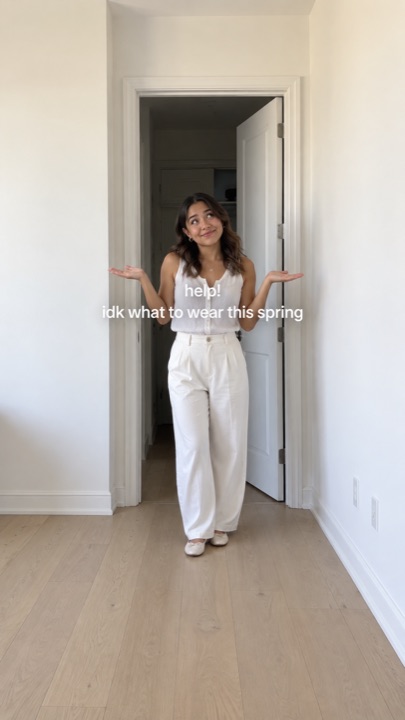
 Made with Srija

Overview
Srija is an AI social media team for your brand. Connect it to Claude and you can ask for a video ad in the same chat where you already work: a UGC ad, a talking head, a TV-style commercial, an animated story, or a new presenter for your ads.
Claude shows you the price first. After your yes, Srija makes the video with your own products, avatars and brand, and the result lands in your Srija account too, where you can keep editing it.
Set up in four steps
- In the Claude app or on claude.ai, open Settings›Connectors and choose Add custom connector.
- Name it Srija and paste the connector URL.
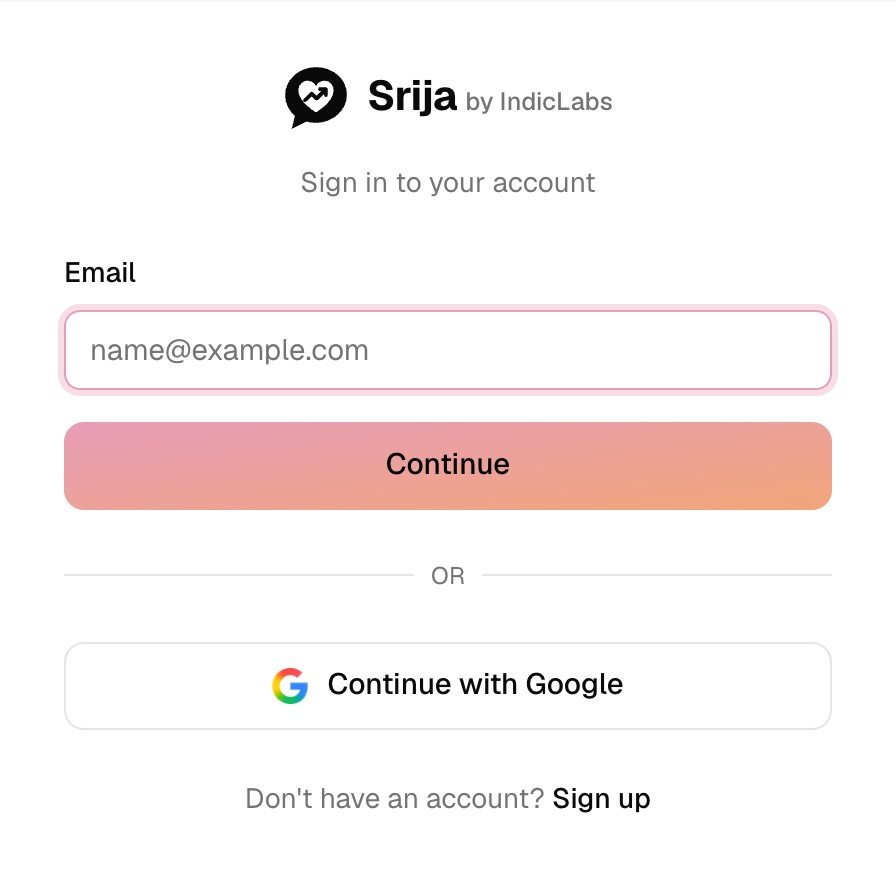
https://mcp.srija.indiclabs.ai/mcp - Click Connect and sign in to Srija with your email or Google.
- Review what Claude can see and do, then click Allow.
Cowork uses the same connectors as your Claude app. On Team or Enterprise, an owner may need to allow custom connectors first.
- Run this once in your terminal.
claude mcp add --transport http srija https://mcp.srija.indiclabs.ai/mcp - Start Claude Code, type /mcp, pick srija and choose Authenticate.
- Your browser opens the Srija sign-in page. Sign in with your email or Google.
- Click Allow, close Claude's "Authentication successful" tab and go back to the terminal.
Claude Code can also send files from your computer, like a product photo or your own footage.
After connecting, try:
What can Srija make for my brand?What you can ask
Say it in your own words; Claude picks the right one.
- UGC character ad“Make a UGC ad for my product”
- Talking head“Make a talking-head ad for my product”
- TVC ad“Make a TV commercial for my product”
- Animated story ad“Make an animated story ad for my brand”
- Template video“Make a video like this template for my product”
- Presenter video“Make a presenter video announcing my program”
- Story clip“Turn this photo into a short story clip”
- Short-drama stitch“Cut my footage into a short ad”
- UGC avatar“Create a new avatar for my ads”
- TVC actor“Create a TVC actor for my brand”
- Animated character“Create an animated character for my ads”
- Ideas for this week“What should my brand post this week?”
Your Srija account, connected
The connector uses the account you already have: the same credits, products, avatars and brand. Every ad made from Claude also appears in your Srija chats. See pricing →
Prices and approval
- Price first. You see a price range in credits before anything starts.
- A cap on every job. The amount you agree to is the most it can spend.
- More only with your yes. If a job needs more, Claude asks you first.
Help & FAQ
Do I need a Srija account?
Yes, and it is free to start. Continue with Google while connecting and one is made for you, or sign up on the Srija website first. New accounts get free credits for their first reel.
Does it cost extra to use Srija in Claude?
No. Videos use the same credits as the Srija app, at the same prices.
What can Claude see in my account?
Your products, avatars, brand details and credit balance, so it can make ads for your brand. It cannot see your payment details. See our Privacy Policy.
Where do my videos go?
Claude gives you a link, and every video is also saved in your Srija account, in the same chat, where you can keep editing it.
Can Claude use my own photos or footage?
In Claude Code it can send files from your computer. In the Claude app, share a link or add the file in Srija first.
Connected, but Claude does not use Srija?
Check that Srija is turned on in the chat's tools menu, then ask by name: "Use Srija to make…". In Claude Code, run /mcp and authenticate again if it shows as not connected.
How do I disconnect?
Remove Srija in Settings › Connectors. In Claude Code, run claude mcp remove srija. More in the docs.

Made with Srija